I use this app with family and friends and in several currencies at the same time. It’s easy to use and totally transparent. Best travel companion!
Nymimx
Mexico
App Store
Connect your bunq Card to tricount and let shared purchases appear as you spend, rather than entering each one yourself.
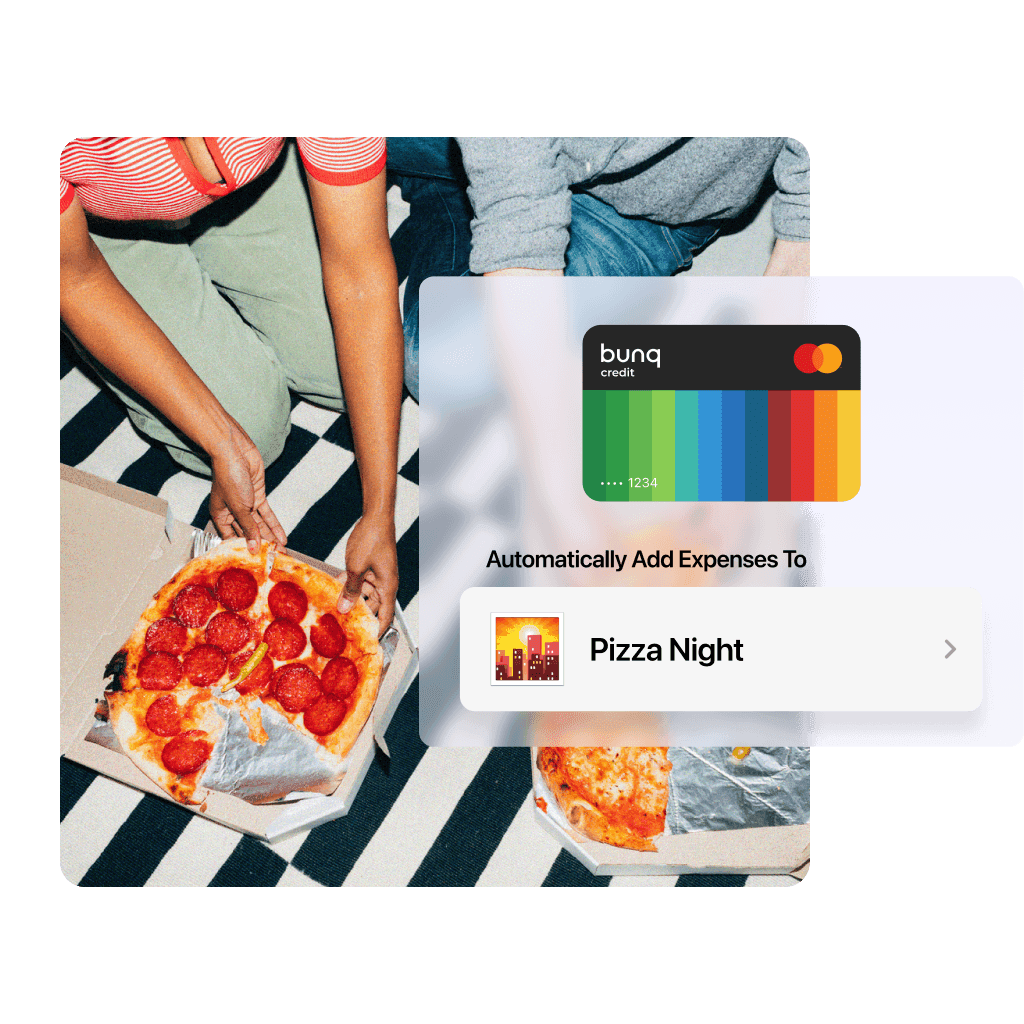
Connect your bunq Card to tricount and let shared purchases appear as you spend, rather than entering each one yourself.
Connect your bunq Card to tricount and let shared purchases appear as you spend, rather than entering each one yourself.
From pizza night to a weekend away, card payments are added to your linked tricount so you don’t need to log each purchase again.

From pizza night to a weekend away, card payments are added to your linked tricount so you don’t need to log each purchase again.
From pizza night to a weekend away, card payments are added to your linked tricount so you don’t need to log each purchase again.
Review new group costs as they come in, alongside your personal spending and the running total.

Review new group costs as they come in, alongside your personal spending and the running total.
Review new group costs as they come in, alongside your personal spending and the running total.
Start with the tricount you want to add card expenses to.
Open the tricount for your trip, household, or evening together.
Follow the card-linking instructions in the app.
Check the shared expenses added from your Card as you spend.
Start with the tricount you want to add card expenses to.
Open the tricount for your trip, household, or evening together.
Follow the card-linking instructions in the app.
Check the shared expenses added from your Card as you spend.
Start with the tricount you want to add card expenses to.
Open the tricount for your trip, household, or evening together.
Follow the card-linking instructions in the app.
Check the shared expenses added from your Card as you spend.
Reviews from people who keep shared costs in one place.
I use this app with family and friends and in several currencies at the same time. It’s easy to use and totally transparent. Best travel companion!
Nymimx
Mexico
App Store
Good functions, simplicty and shareable with friends. Our group vacation spend tracked through this and it worked well.
It is a simple to use application very practical EXCELLENT for groups with expenses that want to organize
Nestorable
Mexico
App Store
Reviews from people who keep shared costs in one place.
I use this app with family and friends and in several currencies at the same time. It’s easy to use and totally transparent. Best travel companion!
Nymimx
Mexico
App Store
Good functions, simplicty and shareable with friends. Our group vacation spend tracked through this and it worked well.
It is a simple to use application very practical EXCELLENT for groups with expenses that want to organize
Nestorable
Mexico
App Store
Reviews from people who keep shared costs in one place.
I use this app with family and friends and in several currencies at the same time. It’s easy to use and totally transparent. Best travel companion!
Nymimx
Mexico
App Store
Good functions, simplicty and shareable with friends. Our group vacation spend tracked through this and it worked well.
It is a simple to use application very practical EXCELLENT for groups with expenses that want to organize
Nestorable
Mexico
App Store

Learn more about using a bunq Card with tricount before getting started.
Learn more about using a bunq Card with tricount before getting started.
Learn more about using a bunq Card with tricount before getting started.